 PhotoEstate
Professional Real Estate Photo Editing. Automated.
Transform ordinary property photos into beautifully balanced, professionally corrected images in minutes. Upload a property, let PhotoEstate do the work, and download your finished images.
Built for real estate photographers, vacation rentals, property managers, and real estate agencies.
- Automated photo enhancement
- Batch processing, up to 60 photos
- RAW file support
- Consistent property-wide editing
- Professional results in minutes
Free during the private beta. Access is by invitation: request one. See planned pricing
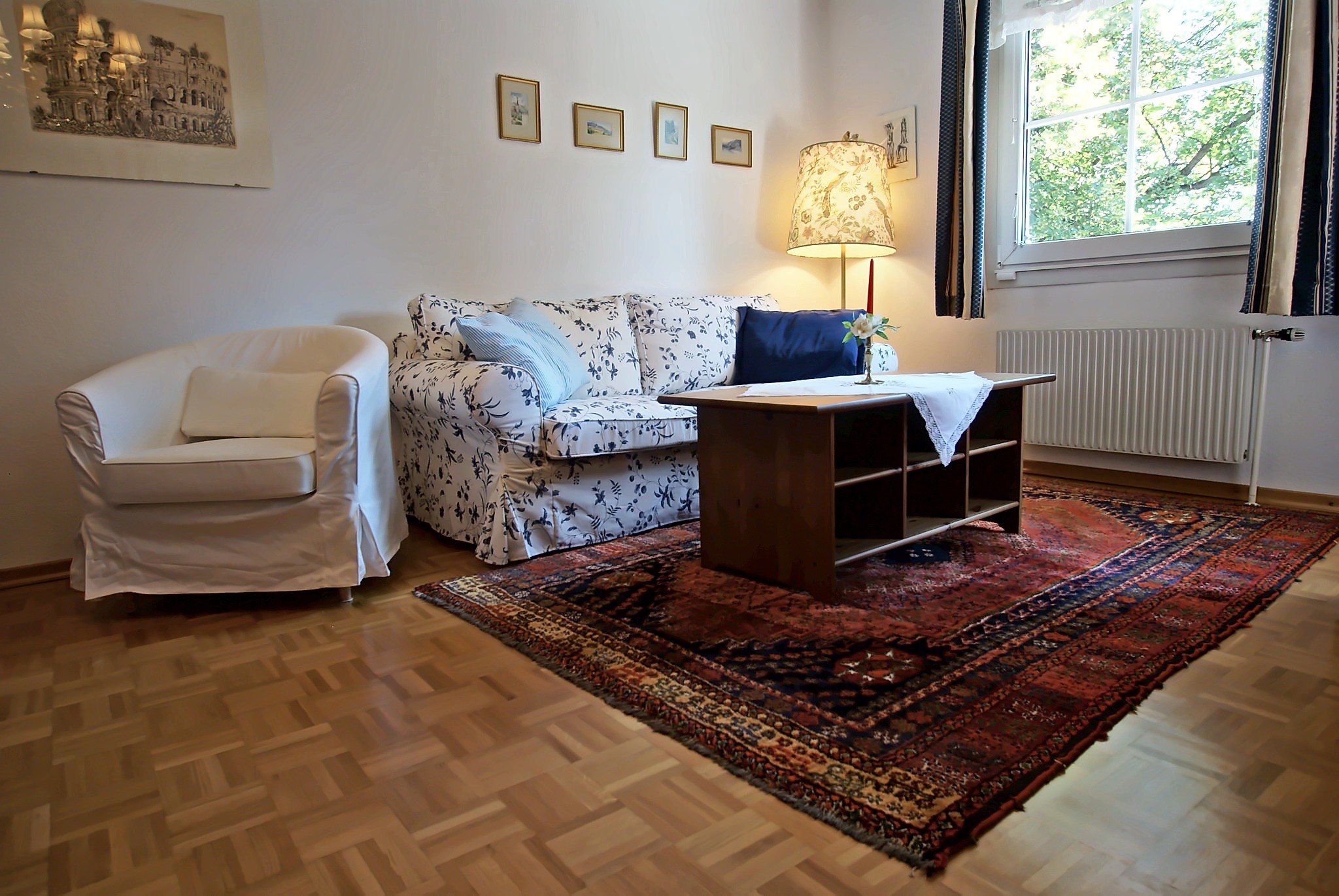
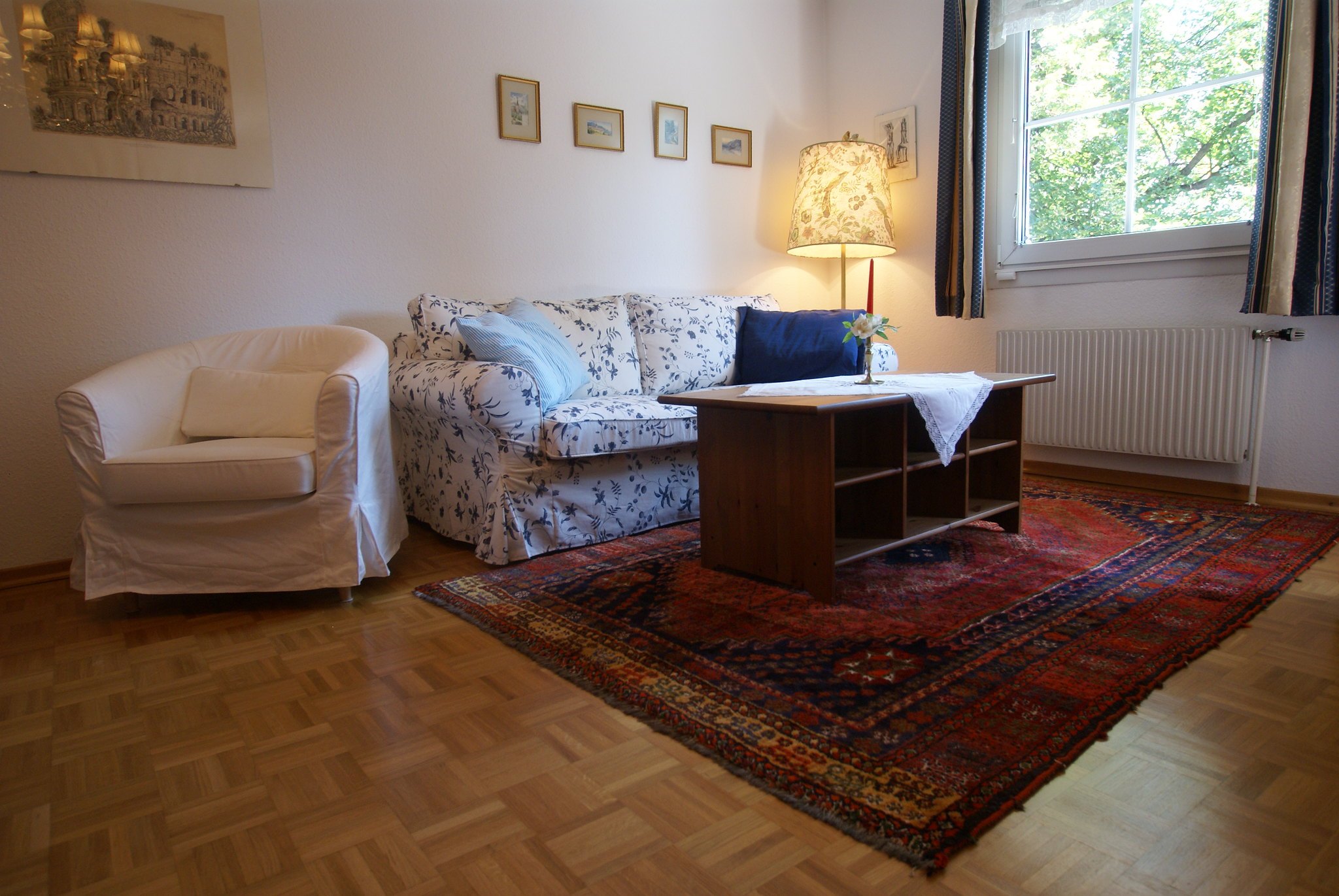
Before and after
See what the editor does
Edited automatically with the default settings. Drag the line to compare, and use the arrows or the photos underneath to see more examples.
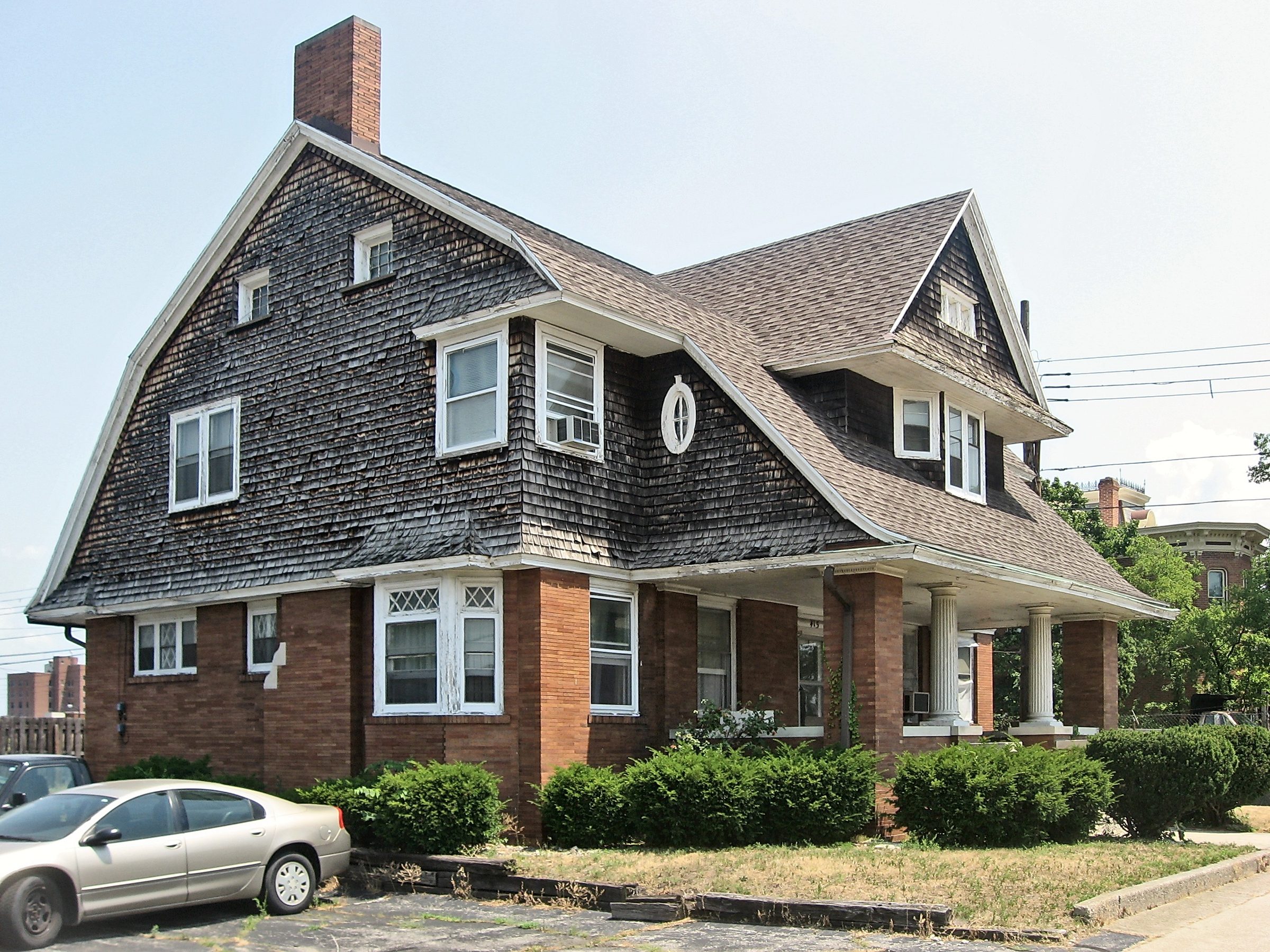
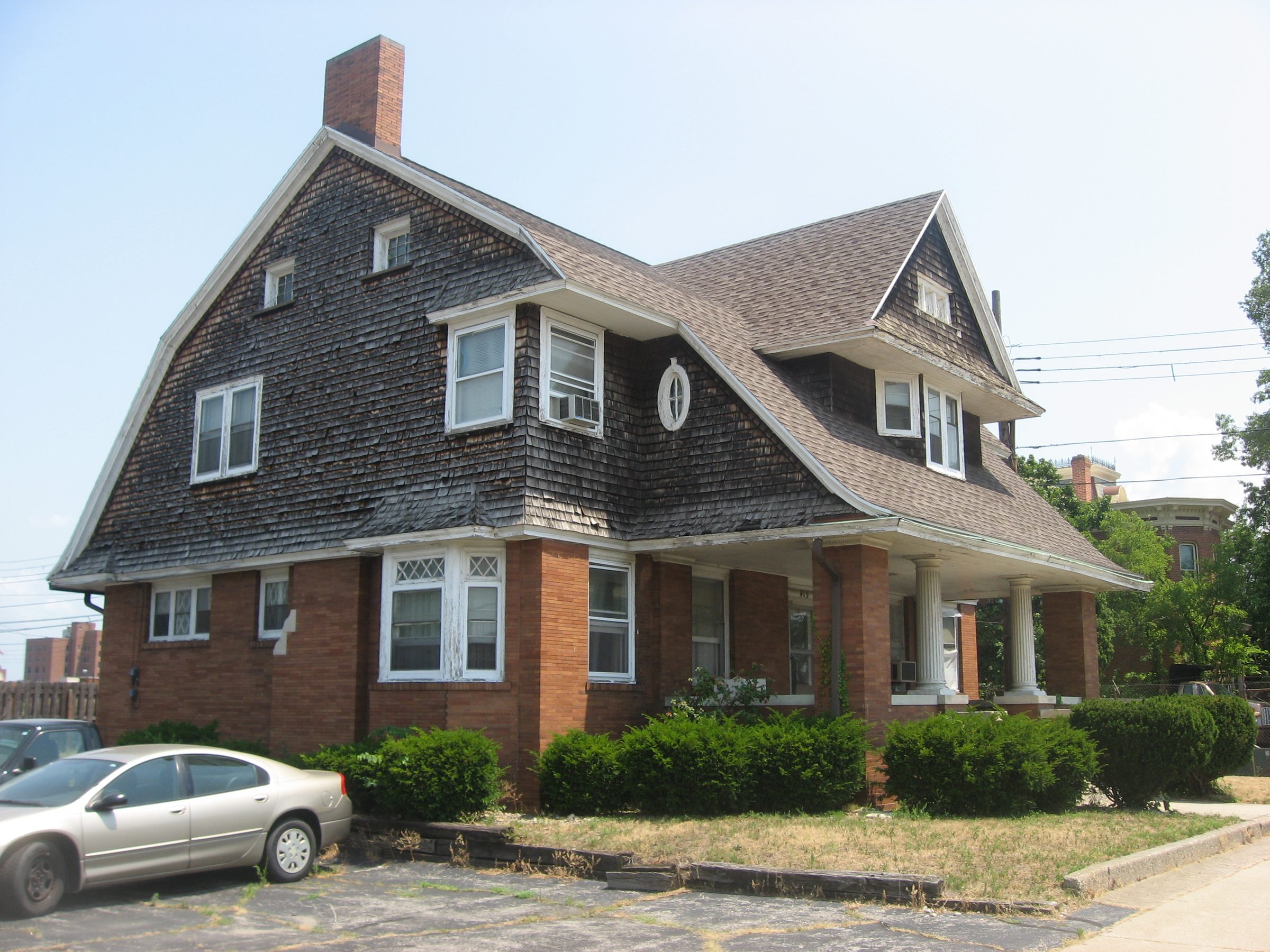
What it fixes
The corrections every listing photo needs
The same careful adjustments an editor would make by hand, applied to every photo in the order.
Exposure correction
Dark rooms are brightened and harsh highlights held back, so shadows open up without washing out the room.
Colour balance
Orange lamp light and other colour casts are toned down, area by area, so white walls look white and wood keeps its true tone.
Vertical perspective correction
Walls and door frames that lean because the camera was tilted are straightened. If a correction would make things worse, it's undone.
Camera RAW and HDR
RAW files from Canon, Sony, Fujifilm, Nikon, Panasonic, Olympus, Pentax, Leica, DJI drones and phones, plus HEIC, AVIF and HDR photos.
Bracketed exposures
Several exposures of the same view are found and merged into one photo, with window views taken from the darker frames.
Batch consistency
Photos from the same property are brought closer together in brightness and colour, so the listing looks like one shoot.
Also included: downloads sized for listing sites, websites and Instagram, a walkthrough video made from your photos, and redos with your own brightness and colour settings. What it doesn't do: remove objects, replace skies, or recover a window view from a single photo. Straightening can crop 10–15% of a frame.
How it works
Three steps, a few minutes
- Step 1
Upload your property photos
Upload a single photo or a whole property at once: up to 60 photos, 50 MB each, as JPG, PNG, HEIC, AVIF, camera RAW or a zip. Confirm you own them or have permission to edit them.
- Step 2
PhotoEstate automatically enhances them
Every photo gets the same careful corrections:
- Exposure balancing
- Colour correction
- White balance, area by area
- Vertical perspective correction
- HDR photos supported, bracketed exposures merged
- Consistent editing across the whole property
- Step 3
Review and download
Compare each original and enhanced photo side by side, choose the ones you want, and download them in full size or sized for listing sites and social media.
- Fast
- Most properties are ready in a few minutes.
- Consistent
- One look across every room of the property.
- Convenient
- Nothing to install: upload, review and download in your browser.
Who it's for
Built for people who list property
Real estate photographers
Spend less time editing and more time shooting.
- Batch processing: up to 60 photos per property
- Camera RAW from Canon, Sony, Fujifilm, Nikon and more
- Style sliders for brightness, warmth, crispness and shadows
- Bracketed exposures merged automatically
- Faster delivery to clients: most properties ready in minutes
Vacation rental owners
Make your rental property stand out.
- Better photos for Airbnb and other vacation rental listings
- Interior and exterior photos enhanced
- A whole property processed at once
- Sizes ready for listing sites and Instagram
Property management companies
Make every property look its best.
- Process one property after another, all in one dashboard
- The same editing on every unit, with each property's rooms matched
- Up to 60 photos per property
- Flagged photos shown clearly, so nothing slips through
Real estate agencies
Consistent professional imagery across your listings.
- Standardised editing on every listing
- Batch processing for whole properties
- Faster listing preparation, with listing-site sizes
- An optional walkthrough video made from the photos
Private beta
Interested in the beta?
PhotoEstate is free while it's in private beta, and we're inviting a few more photographers, hosts and property teams. Tell us a little about yourself and we'll email you an invitation.
See your own photos edited
Upload one property and compare every photo before and after. PhotoEstate is in private beta: sign in with the email address you were invited with. No invitation yet? Request one.